Less clicking.
More watching.
Direction, playback, Home, and Back. The familiar controls, together on your phone.
The remote you already have in your hand. Control your Roku, type with your iPhone, and keep your favorite TV moments one tap away.
Get ready for RoomRay ↗Coming to the App Store · iPhone with iOS 18 or later
Requires a Roku device on the same Wi-Fi.
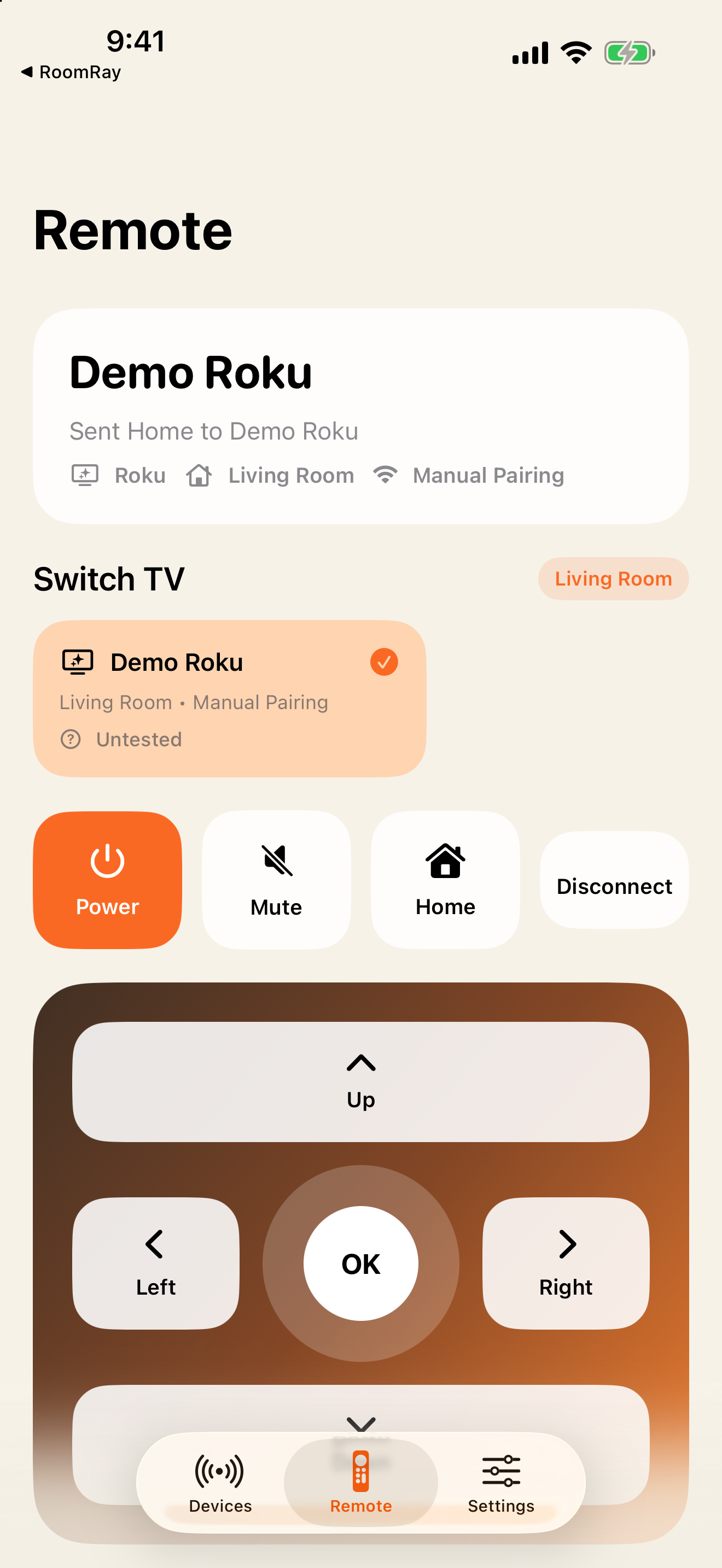
Direction, playback, Home, and Back. The familiar controls, together on your phone.
Send text from your iPhone keyboard to compatible Roku text fields. Open supported installed apps in a tap.
Save your TVs, set a default for each room, and open them using Siri and Shortcuts.
No RoomRay account, ads, or tracking.
Manual IP pairing. Power, mute, and keyboard support vary by device and app. No screen mirroring, media casting, or other TV brands in this release. Streaming subscriptions are separate.